WDM Cannot Open
Problem Description
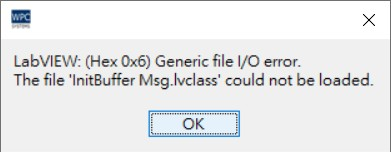
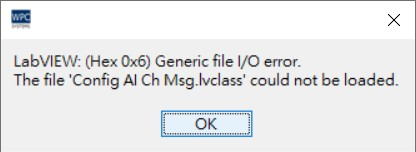
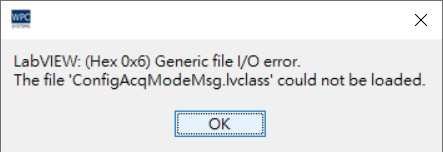
When opening WPC Device Manager (WDM), a "Generic file I/O error" window pops up as shown in the figure below, preventing the program from starting normally.
Possible Causes
This error is usually caused by the file path length limit of the Windows system. When the application's folder path is too deep (the number of characters is too long), the system may not be able to correctly read the relevant resource files.
Solution
Please move the WDM application folder to a shallower directory (for example, directly move to D:\WDM\ or the desktop) to resolve this issue.