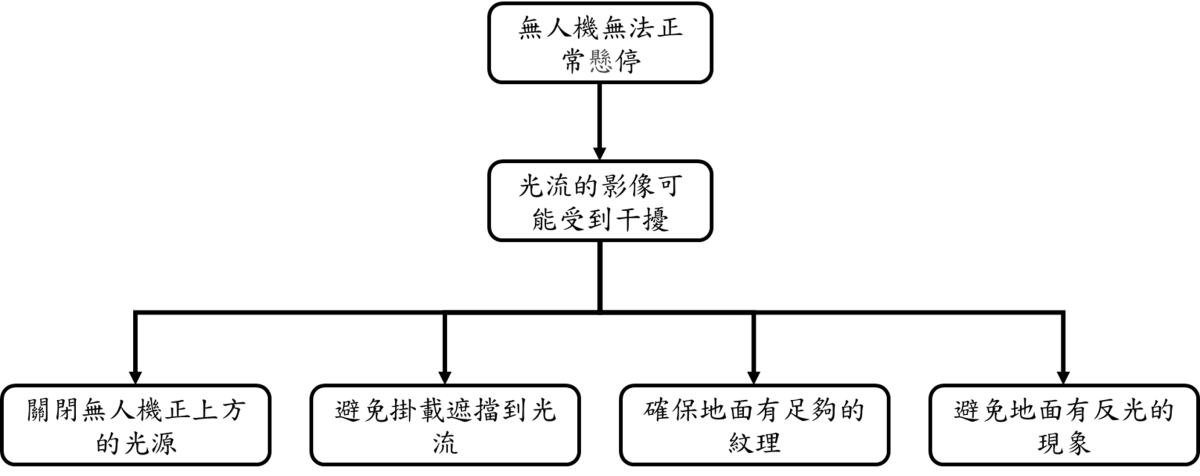
Drone Unable to Hover Properly

When the drone drifts, cannot hover at a fixed point, or has unstable attitude after takeoff, please check and troubleshoot according to the following steps.

faq3

Phenomenon Description

  • The drone cannot maintain a fixed point after takeoff and continuously drifts in a specific direction.
  • When the remote control is not operated, the drone still has significant horizontal displacement.

Possible Causes and Solutions

1. Incorrect Flight Mode Setting

Cause: If the flight mode switch on the remote controller is in Attitude mode, the drone will not perform GPS positioning hover, but only maintain attitude balance. Solution:

  • Please check the status of the Middle Right Switch on the remote controller.
  • Switch the lever to Position mode (bottom position) to enable GPS fixed-point hovering.

2. Compass or Sensor Abnormality

Cause: Environmental magnetic field interference or uncalibrated sensors prevent the flight controller from determining the correct heading. Solution:

  • Keep away from large metal structures or high-voltage power lines.
  • Re-perform Compass Calibration and Accelerometer Calibration.

3. Poor GPS Signal

Cause: Flight environment obstruction (such as indoors or next to tall buildings), resulting in insufficient locked GPS satellites. Solution:

  • Please move to an open outdoor area for flight.
  • Confirm that the Ground Station shows more than 6 locked GPS satellites and the positioning status is 3D Fix.