Introduction and Installation
Introduction
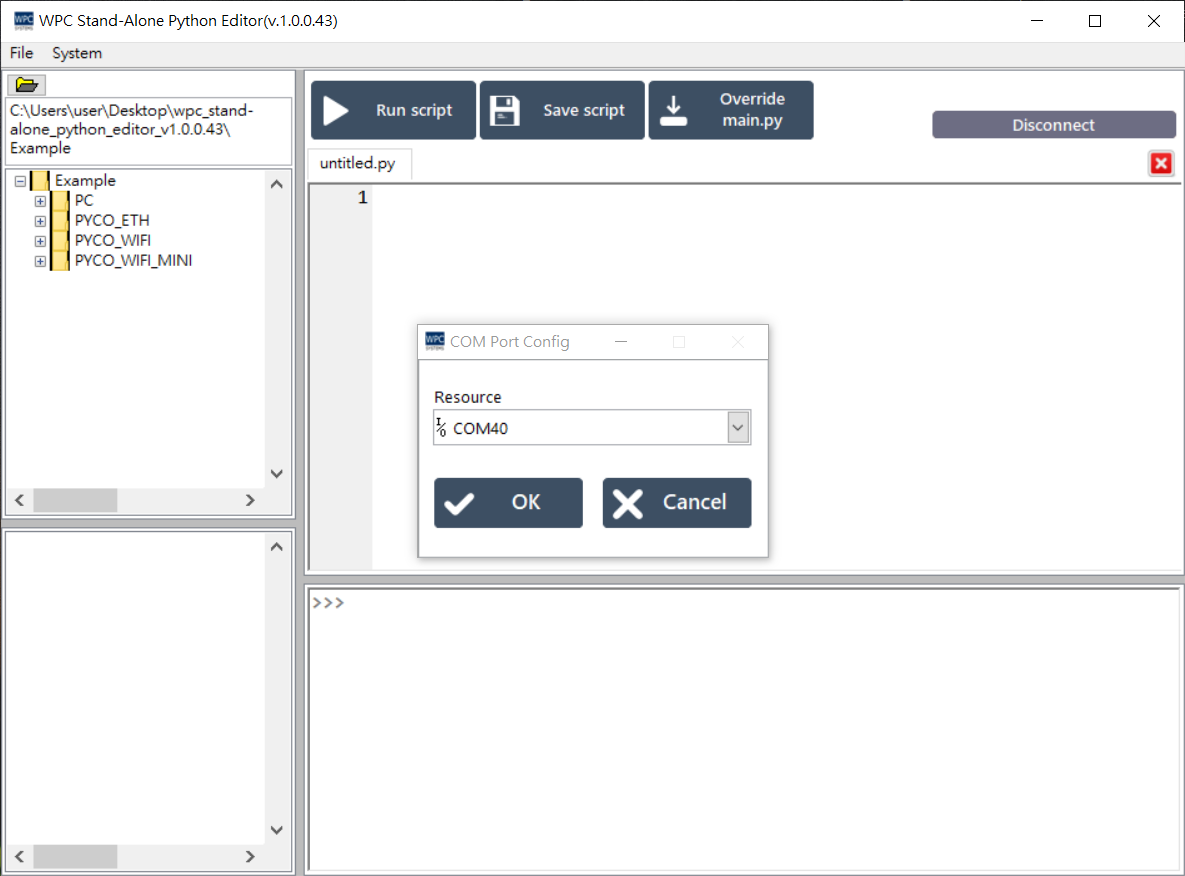
WPC Stand-alone Python Editor is a LabVIEW-based standalone Python IDE (Integrated Development Environment). It is specifically designed for WPC PYCO products, allowing users to easily write and execute Python programs.
Download and Installation
Step 1: Download Stand-Alone Python Editor
Please download the latest version of Stand-Alone Python Editor from the WPC official website.
caution
To run this software, you must first install the LabVIEW Run-Time Engine 2018.
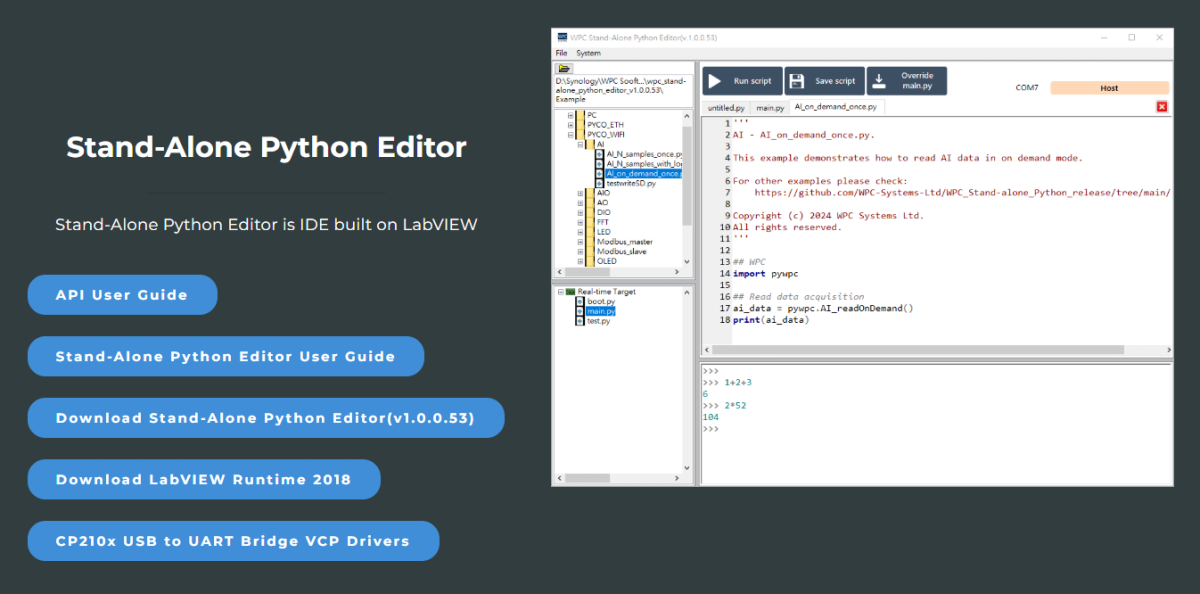
Step 2: Download and Install LabVIEW Run-time Engine 2018
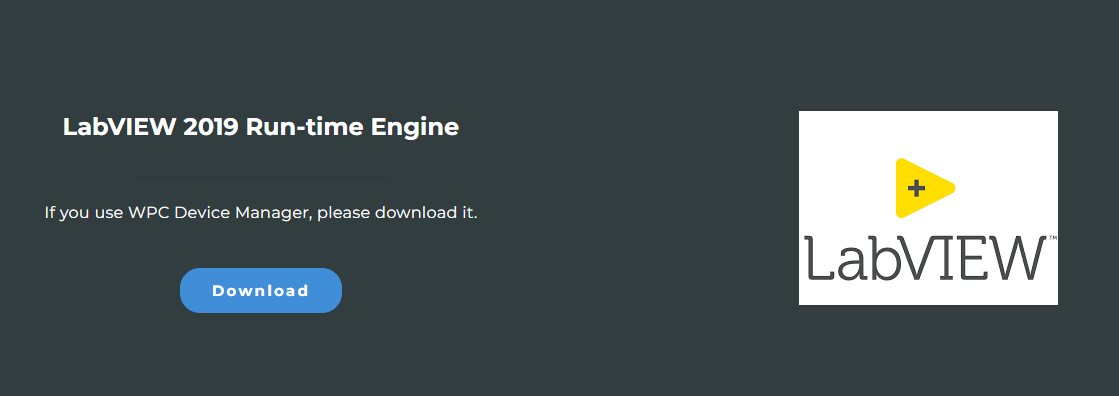
Open Stand-Alone Python Editor
- Decompress the downloaded Stand-Alone Python Editor file.
- Open
WPC Stand-Alone Python Editor.exe.

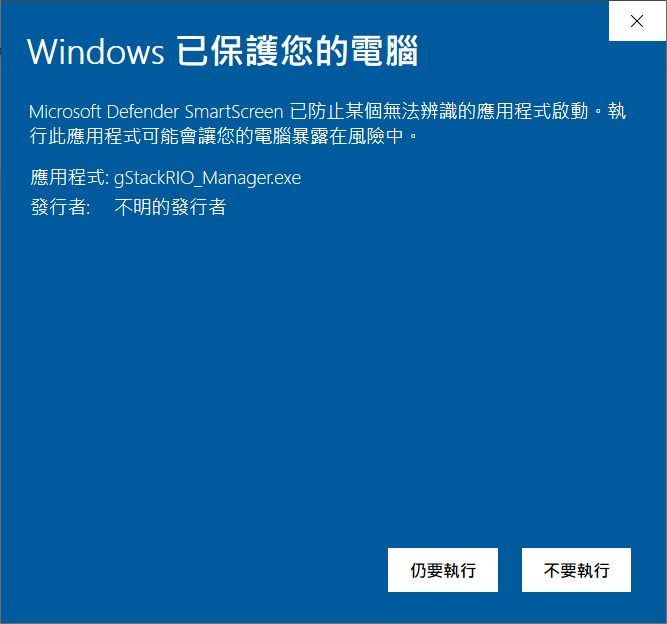
Handling Windows Security Warnings
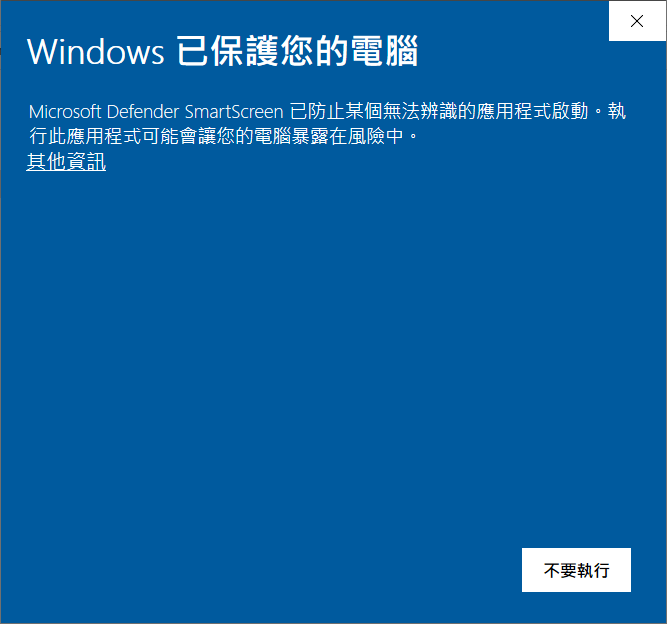
If Windows displays a "Windows protected your PC" or "Unrecognized app" warning:
-
Click "More info".
-
Click "Run anyway".
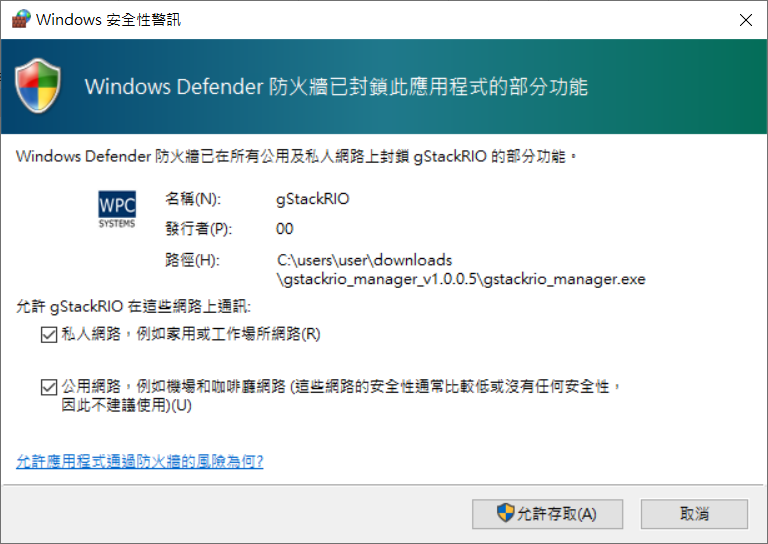
Firewall Settings
Upon the first opening, the Windows Firewall might block some functions.
- Check "Private networks" and "Public networks".
- Click "Allow access".
When opening the Stand-Alone Python Editor for the first time, it will attempt to connect to the COM Port.