簡介與安裝
簡介
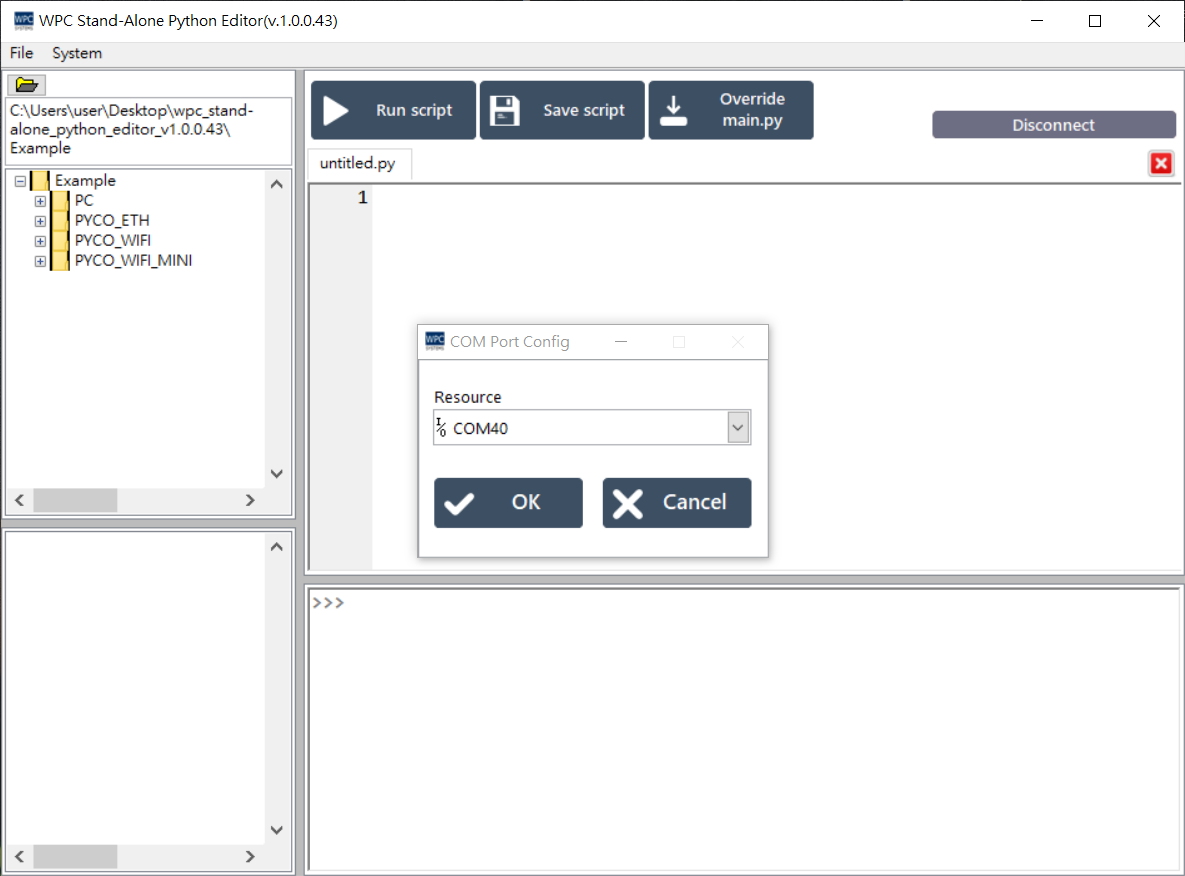
WPC Stand-alone Python Editor 是一款基於 LabVIEW 的獨立 Python IDE (整合開發環境)。它專為 WPC PYCO 產品設計,讓使用者能輕鬆撰寫與執行 Python 程式。
下載與安裝
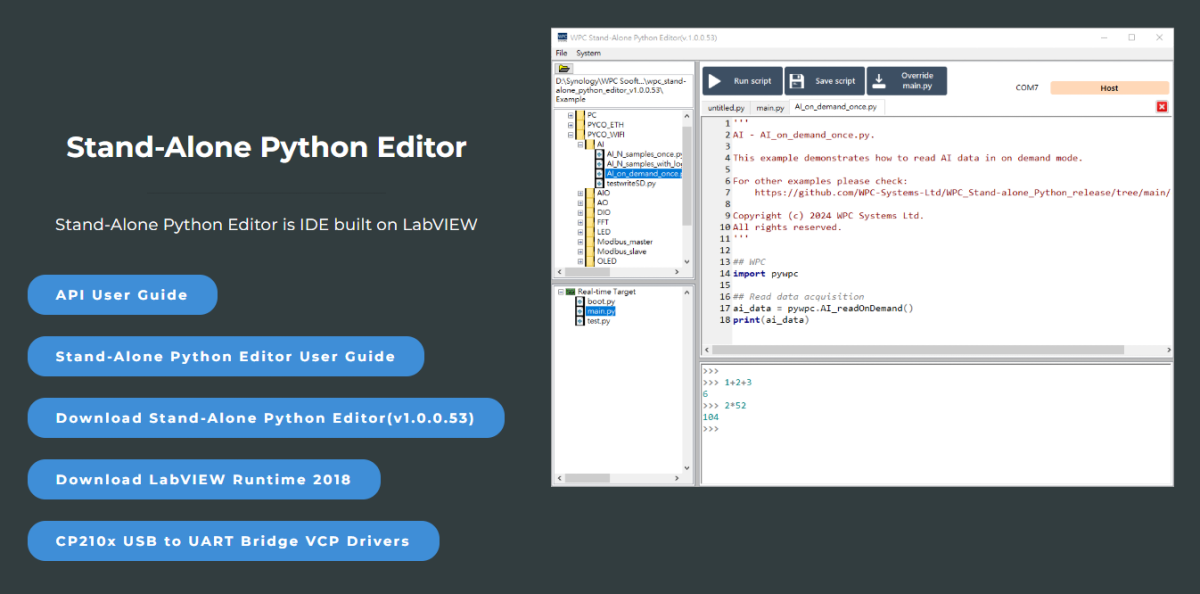
步驟 1: 下載 Stand-Alone Python Editor
請從 WPC 官方網站下載最新版本的 Stand-Alone Python Editor。
重要
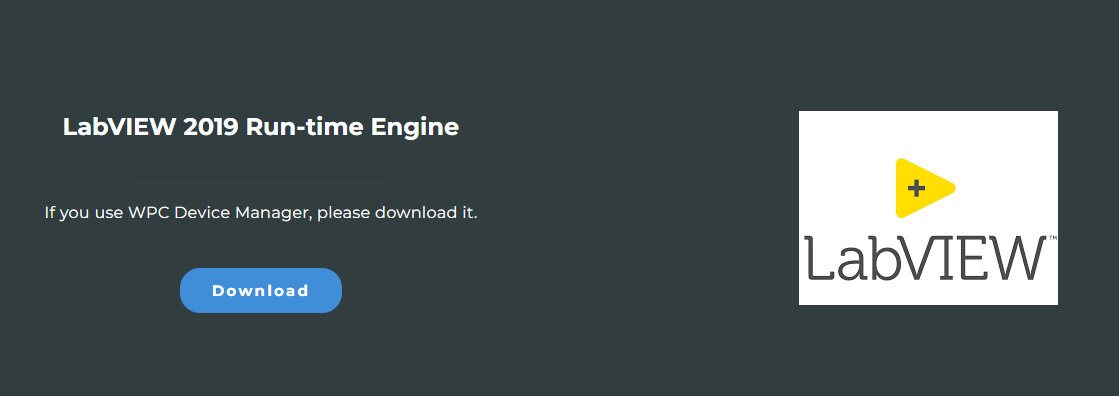
要執行此軟體,您必須先安裝 LabVIEW Run-Time Engine 2018。
步驟 2: 下載並安裝 LabVIEW Run-time Engine 2018
開啟 Stand-Alone Python Editor
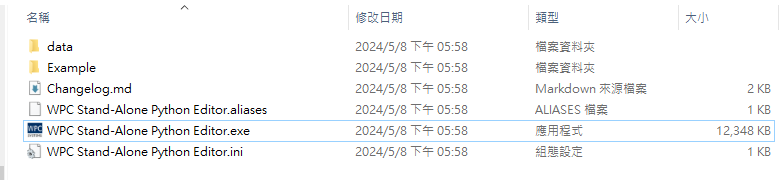
- 解壓縮下載的 Stand-Alone Python Editor 檔案。
- 開啟
WPC Stand-Alone Python Editor.exe。
Windows 安全性警告處理
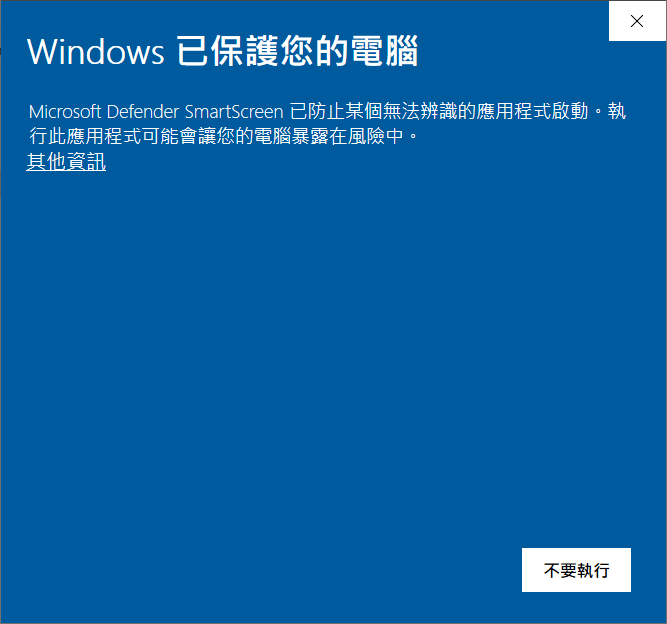
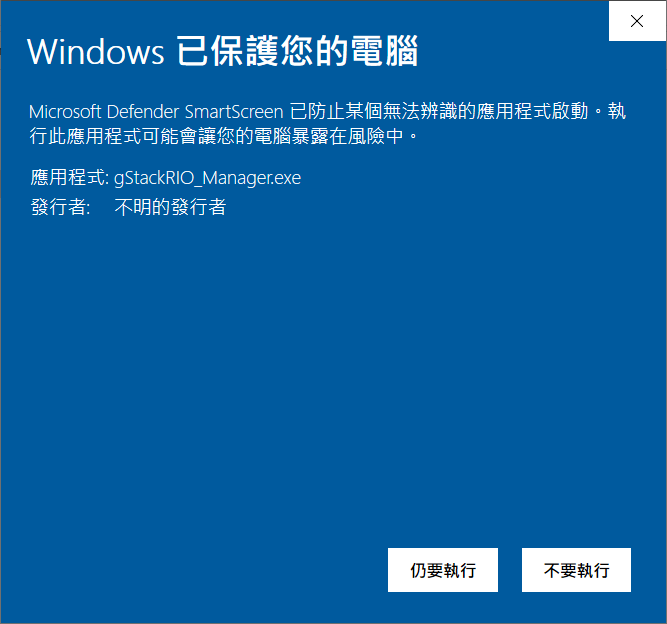
若 Windows 顯示「Windows 已保護您的電腦」或「無法辨識的應用程式」警告:
-
請點擊 「其他資訊」。
-
點擊 「仍要執行」。
防火牆設定
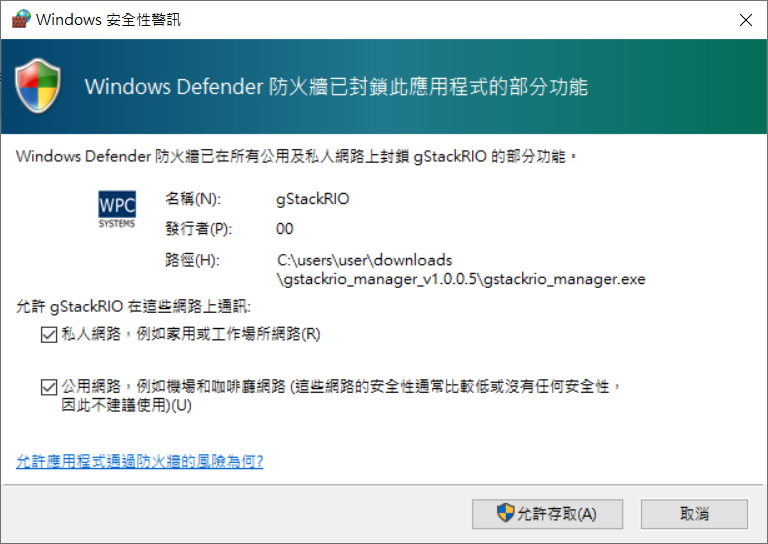
首次開啟時,Windows 防火牆可能會封鎖部分功能。
- 請勾選 「私人網路」 與 「公用網路」。
- 點擊 「允許存取」。
首次開啟 Stand-Alone Python Editor 時,它將會嘗試連接 COM Port。