Appearance and LED Status
The WPC WIFI-DAQ series consists of industrial-grade modules specifically designed for wireless data acquisition.
Hardware Appearance
| Front View | Back View |
|---|---|
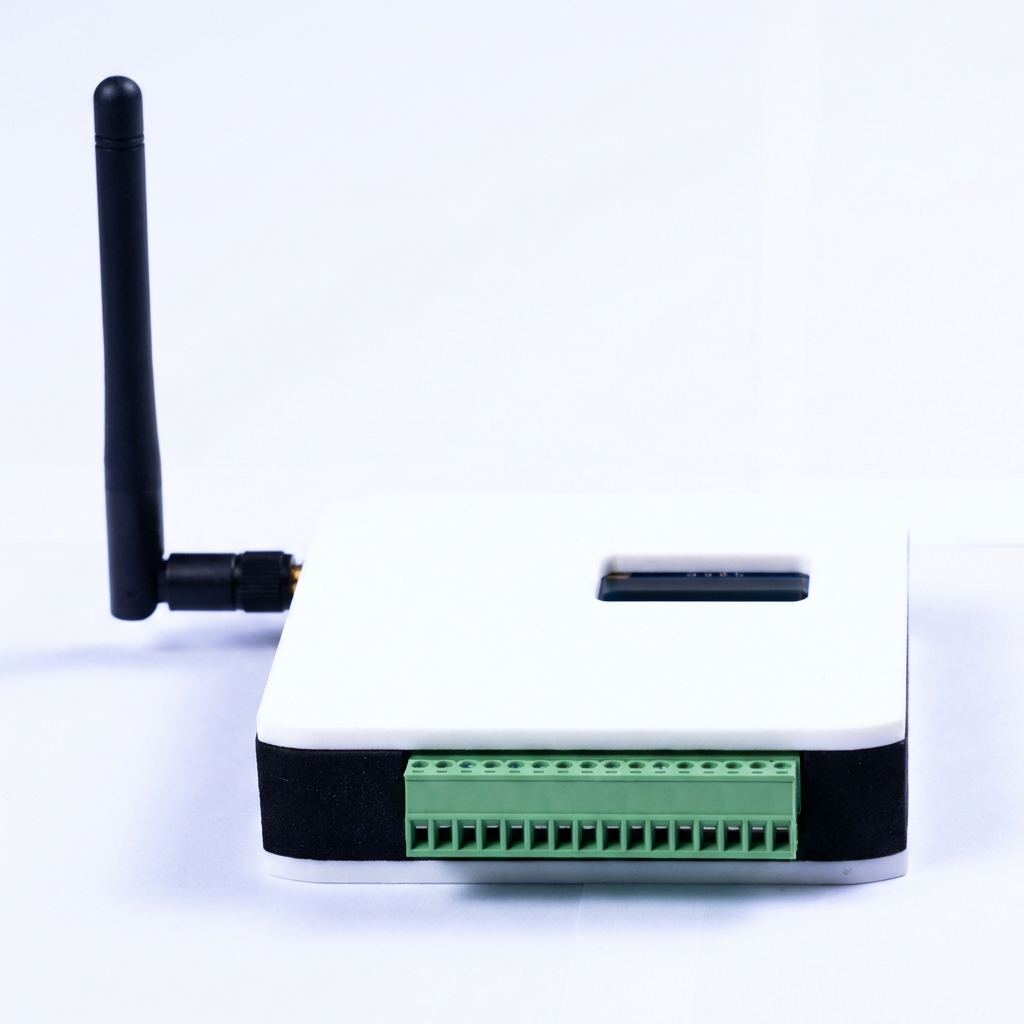 | 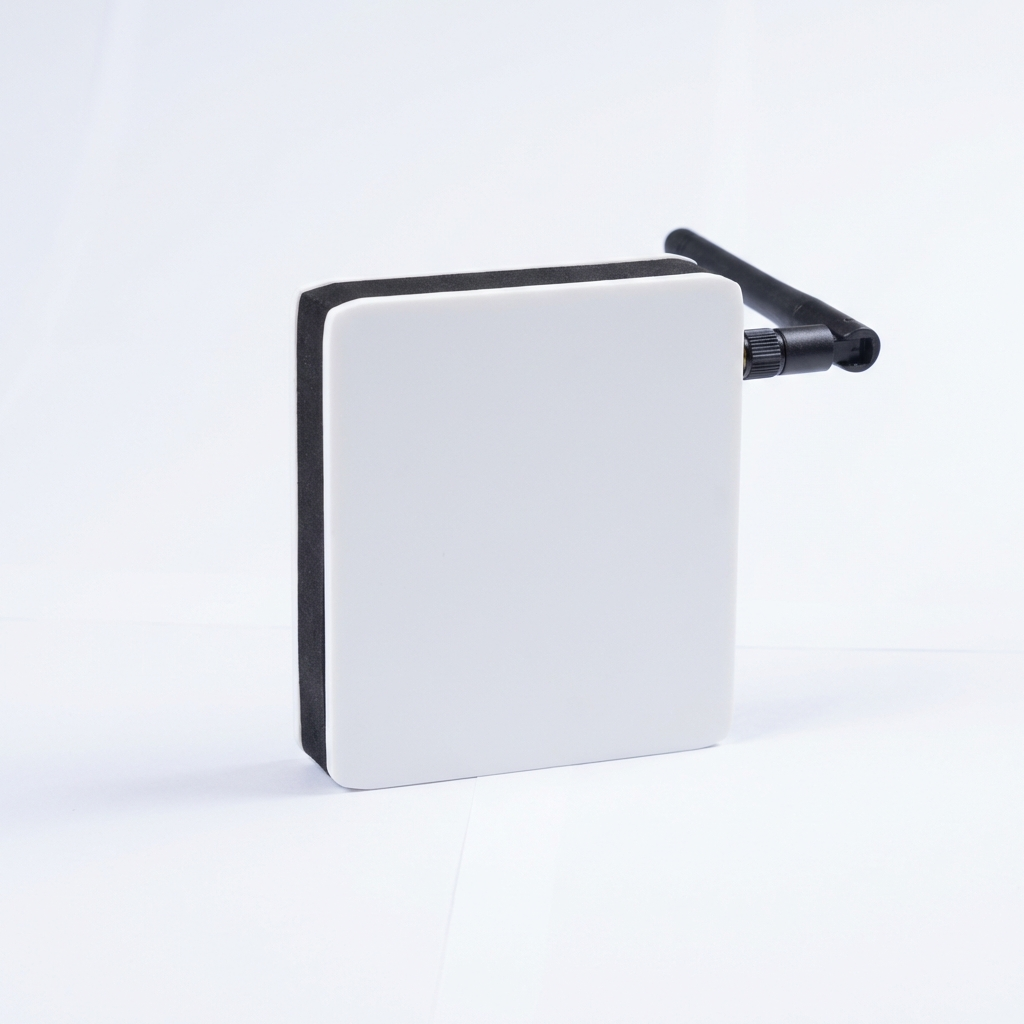 |
| Side View | Connector Detail |
|---|---|
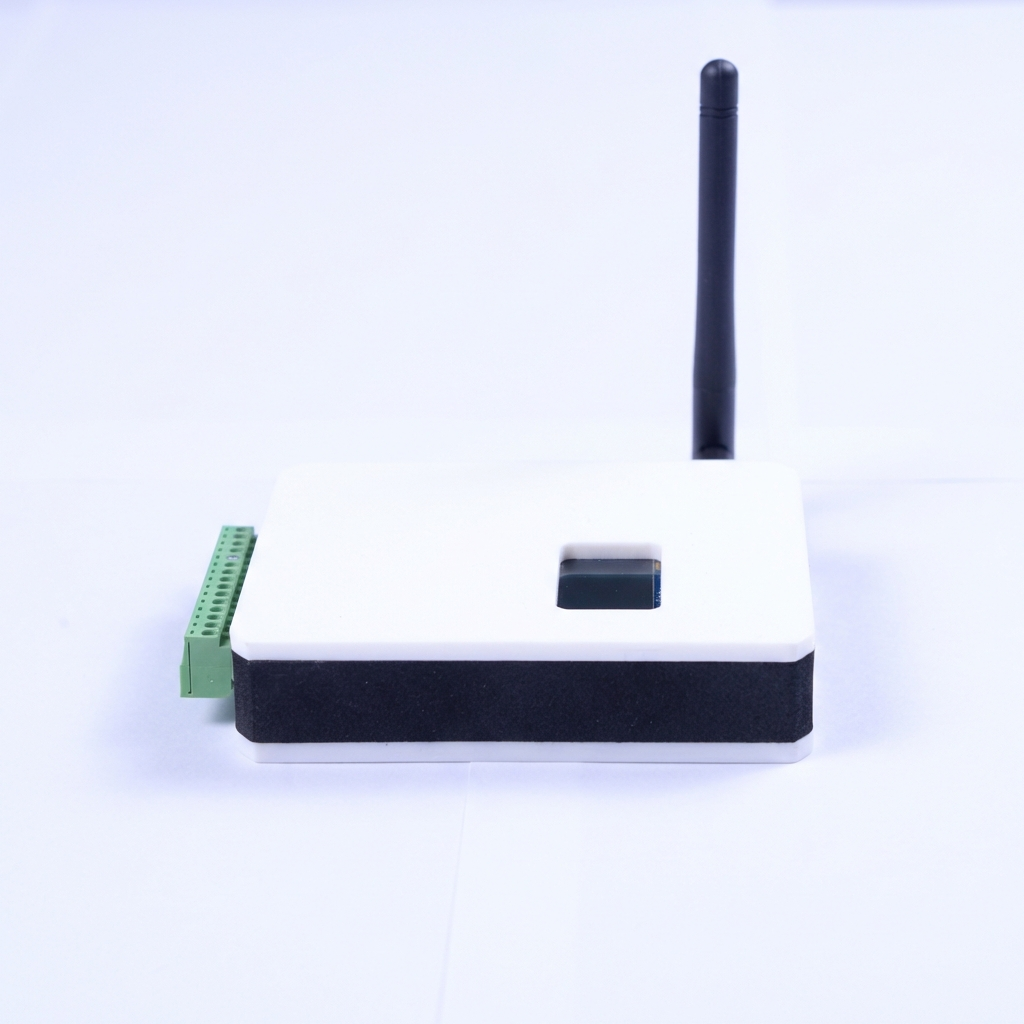 | 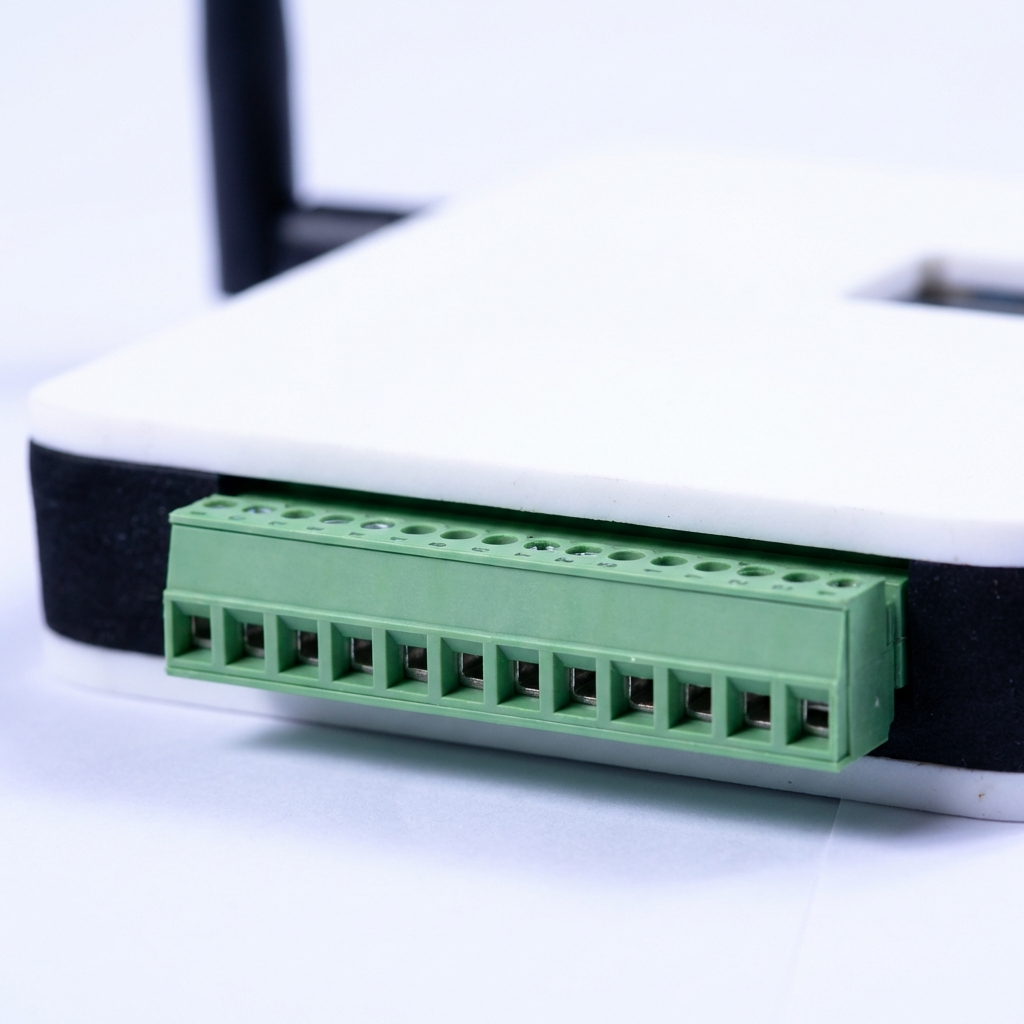 |
LED Status Indicator Definitions
You can quickly determine the current status of the device through the LED indicators on the body:
| LED Color | Status Description |
|---|---|
| Red | Solid red indicates AP mode; at this time, you need to enter the web interface to configure Wi-Fi. |
| Green | Solid green indicates the device is in a connectable state (Standby mode). |
| Blue | Solid blue indicates the device has successfully established a connection. |