General Functions
Refresh
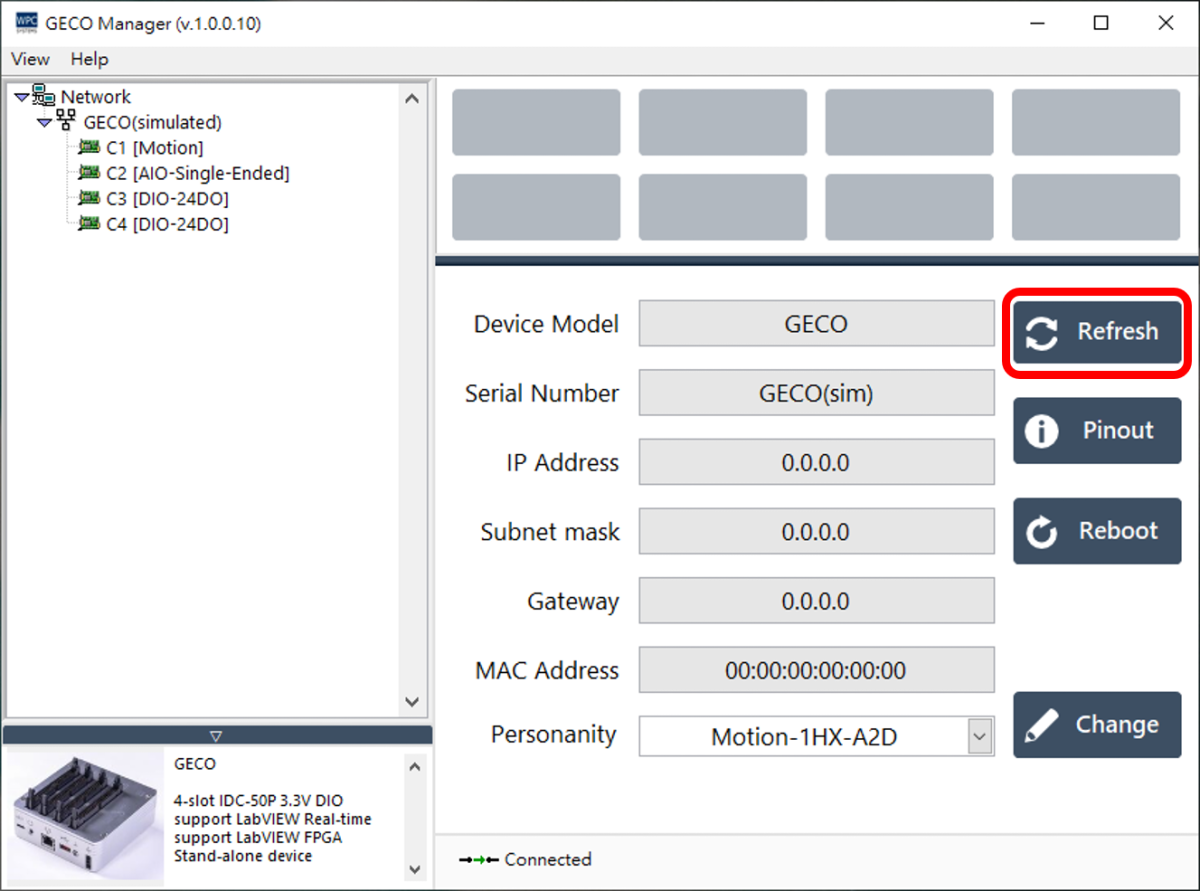
Click the "Refresh" button to re-read and update the WPC GECO device information.
Pinout
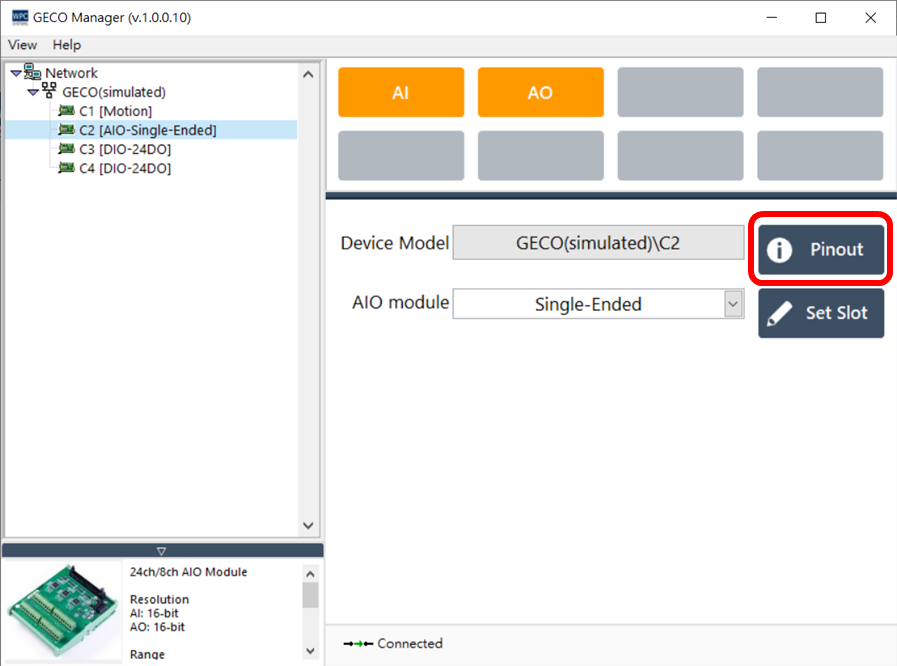
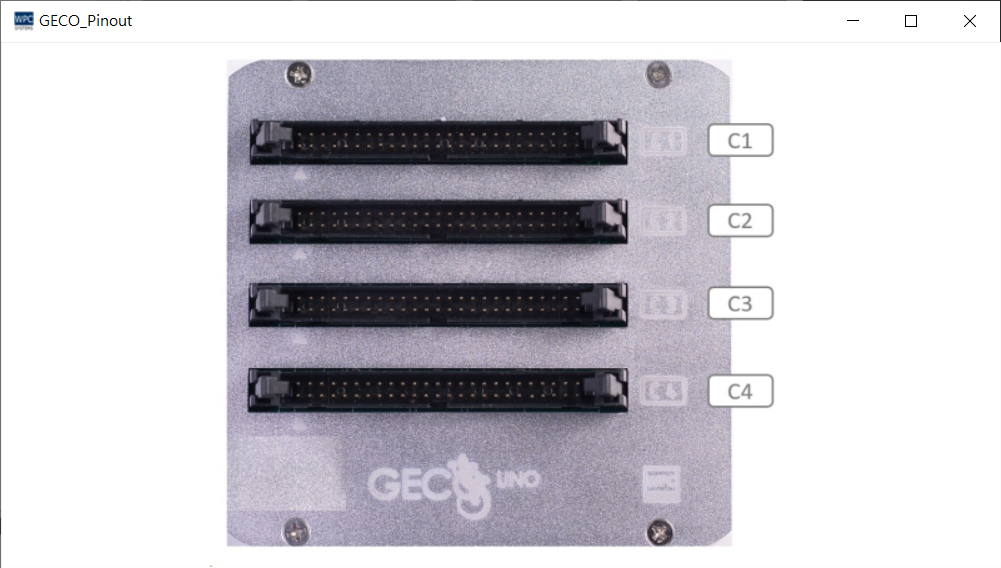
Click the "Pinout" button to display the pinout diagram. The window size can be adjusted as needed.
Reboot
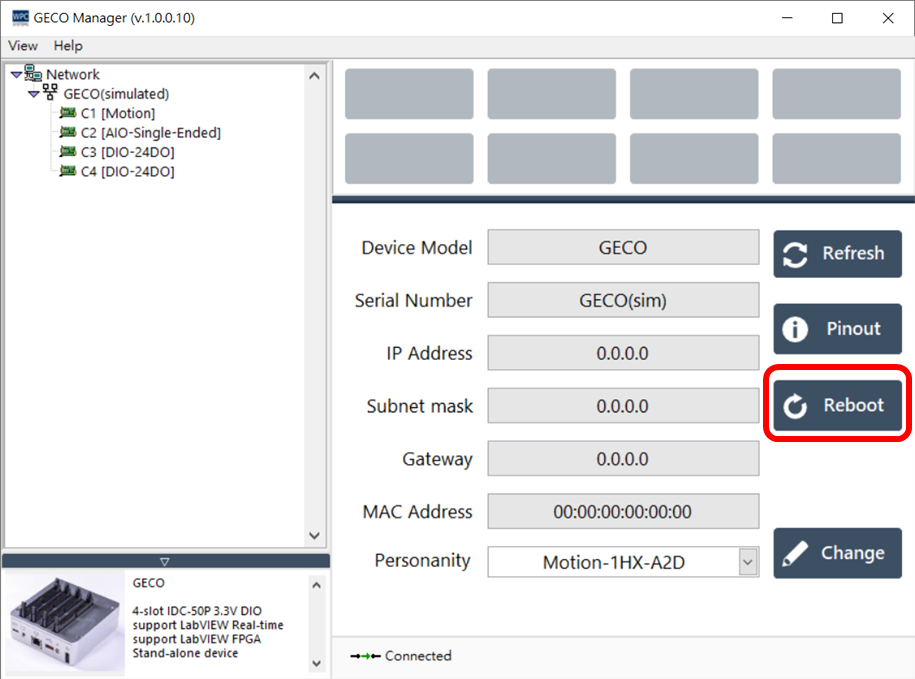
If you need to reboot the device via software, please click the "Reboot" button.
Change Personality
Click the "Change" button to modify the FPGA Personality of the GECO.
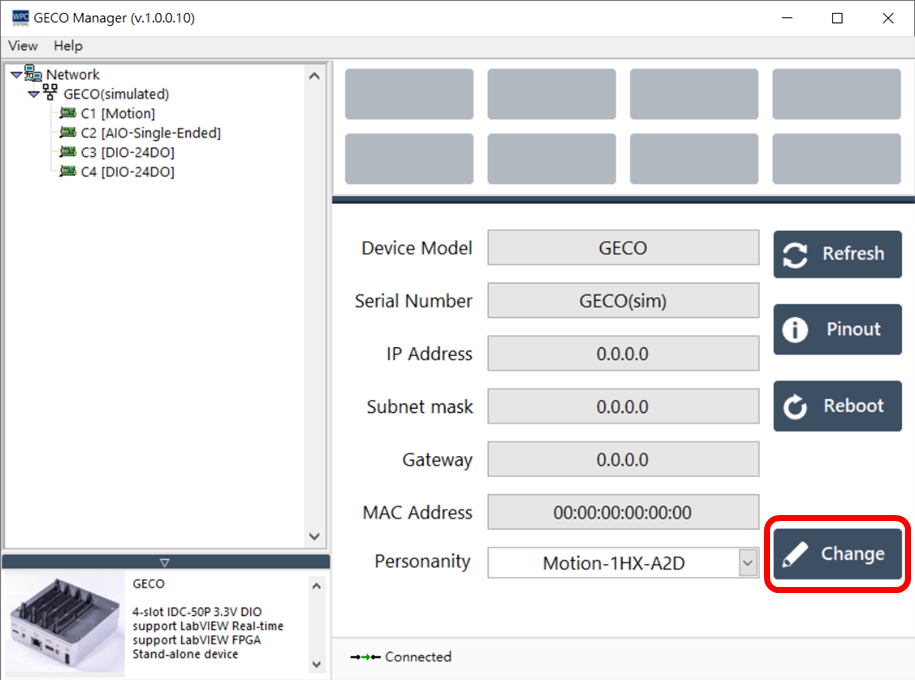
Personality Comparison Table
The table below lists the module configurations for each slot (C1 - C4) corresponding to different personalities:
| Personality | C1 | C2 | C3 | C4 |
|---|---|---|---|---|
| Motion-4HX | Motion | Motion | Motion | Motion |
| Motion-2HX | DIO | Motion | Motion | DIO |
| Motion-1HX | DIO | Motion | DIO | DIO |
| Motion-2HX | DIO | Motion | Motion | Serial |
| A2D | Motion | AIO | DIO | DIO |
| AIO | AIO | AIO | AIO | AIO |
| DIO | DIO | DIO | DIO | DIO |
| Switch | Switch | Switch | Switch | Switch |
| Thermo | Thermo | Thermo | Thermo | Thermo |
note
HX represents a Motion axis card.