Introduction and Installation
Introduction
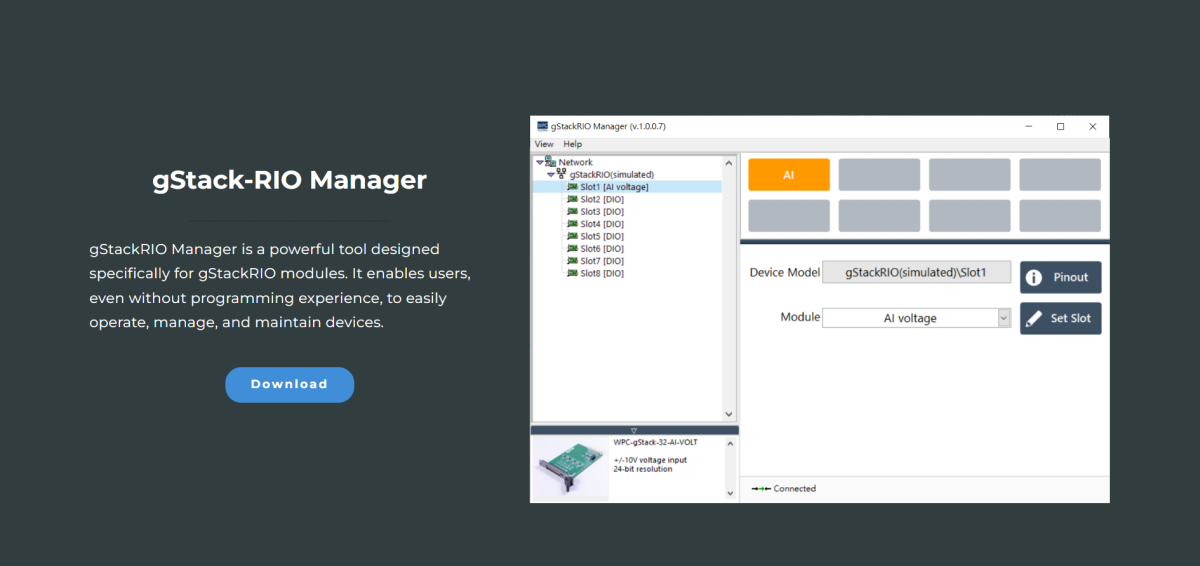
gStack-RIO Manager is a powerful utility specifically designed for managing gStack-RIO controllers and their peripheral modules.
Through gStack-RIO Manager, users can perform the following functions:
- Configure the functions of cards within the gStack-RIO chassis.
- Inquire about the pinout diagrams of gStack-RIO module cards.
- Open the Test Panel for gStack-RIO module cards.
- Add or remove functions of virtual module cards.
Download and Installation
Step 1: Download gStack-RIO Manager
Please download the latest version of gStack-RIO Manager from the WPC official website.
caution
To run this software, you must first install the LabVIEW Run-Time Engine 2019.
Step 2: Download and Install LabVIEW Run-time Engine 2019
Step 3: Download and Install NI VISA Runtime 15.5
Open gStack-RIO Manager
- Decompress the downloaded gStack-RIO Manager file.
- Open
gStack-RIO Manager.exe.
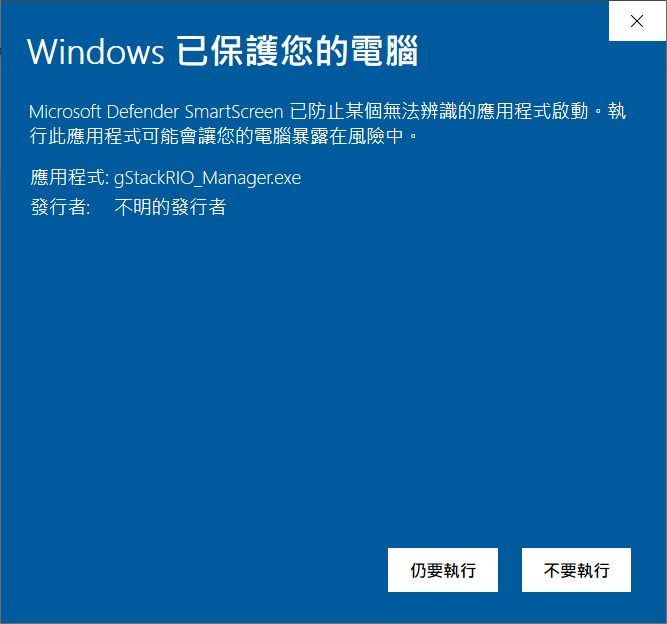
Handling Windows Security Warnings
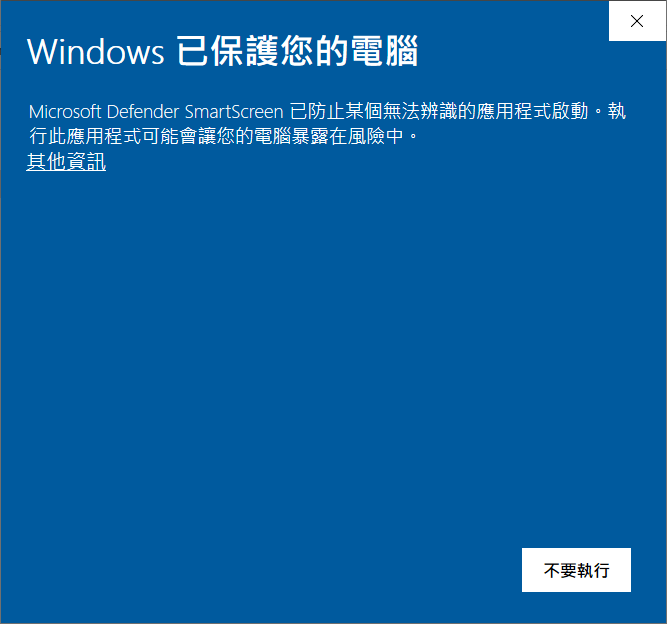
If Windows displays a "Windows protected your PC" or "Unrecognized app" warning:
-
Click "More info".
-
Click "Run anyway".
Firewall Settings
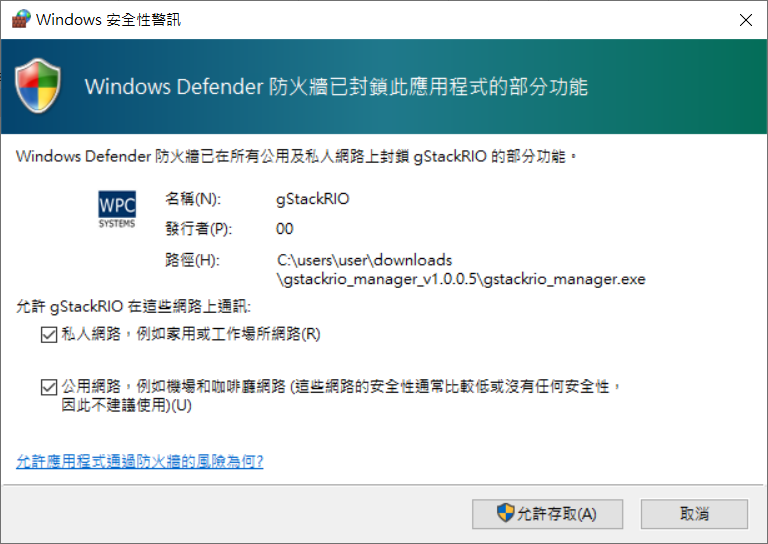
Upon the first opening, the Windows Firewall might block some functions.
- Check both "Private networks" and "Public networks".
- Click "Allow access".
Once opened, gStack-RIO Manager will automatically search for gStackRIO controllers.
