Introduction and Installation
Introduction
WPC Drone Driver is a driver package designed for LabVIEW, providing full API support for WPC Drone. Through this driver, users can easily control and monitor WPC Drone in the LabVIEW environment without needing to develop the underlying communication protocol from scratch.
Download and Installation
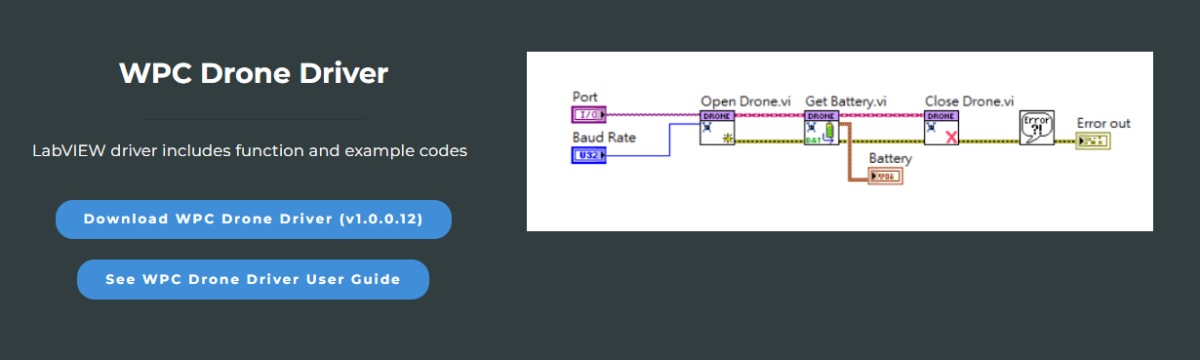
Step 1: Download WPC Drone Driver
Please go to the WPC official website to download the latest version of WPC Drone Driver.
Step 2: Download VIPM Package Manager
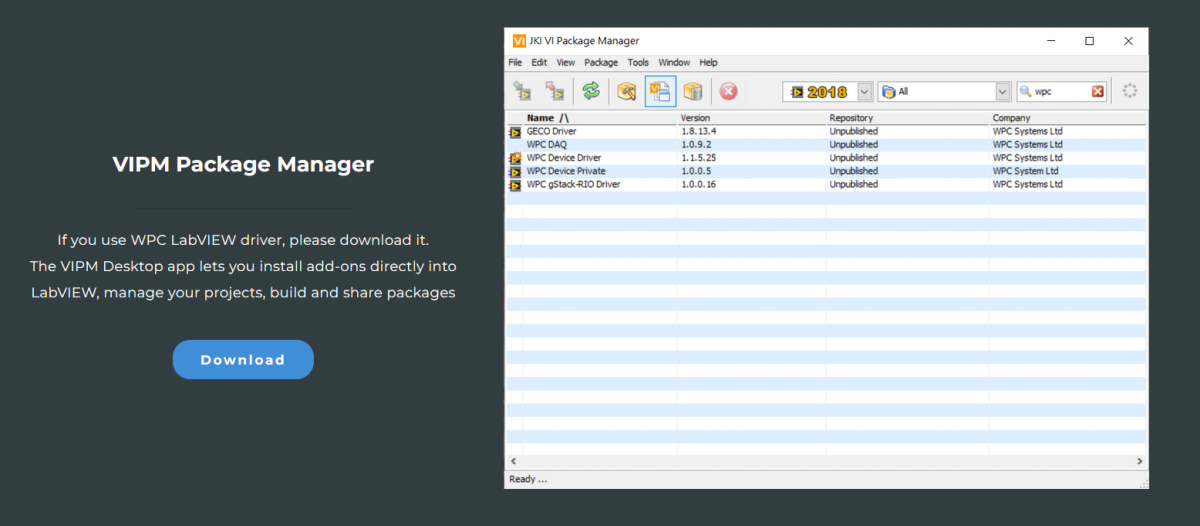
Please go to the WPC official website to download the latest version of VIPM Package Manager.
Unzip and Install
Step 1: Unzip the file
Unzip the downloaded wpc_drone_driver.zip file.
Step 2: Install the driver through VIPM
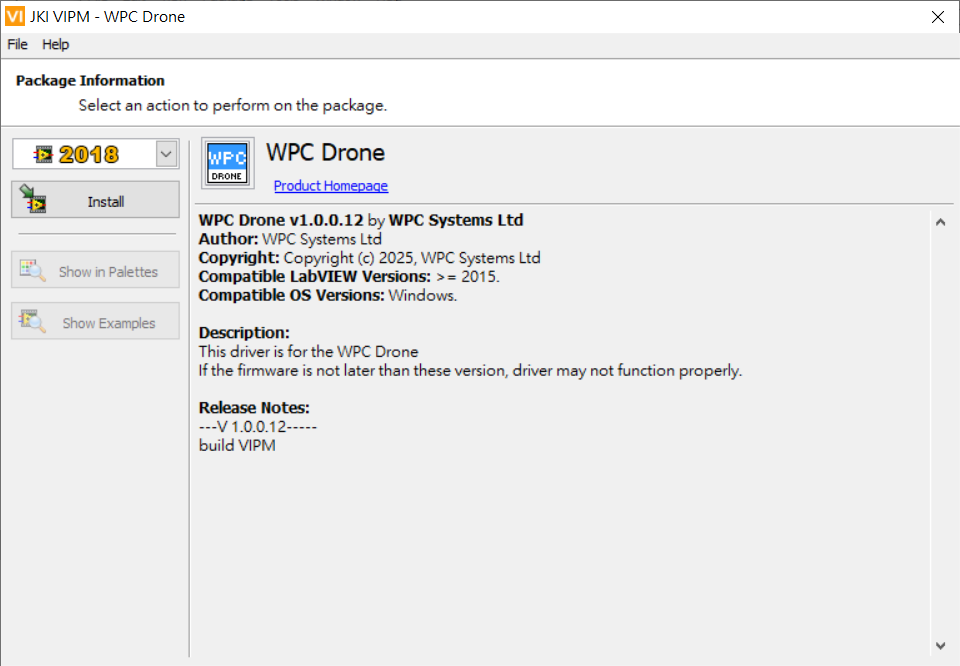
Double-click the extracted .vip file to open the VIPM installation program.

Step 3: Execute Installation
Click "Install" or "Upgrade" to install the latest version of WPC Drone Driver.
Step 4: Wait for the installation to complete
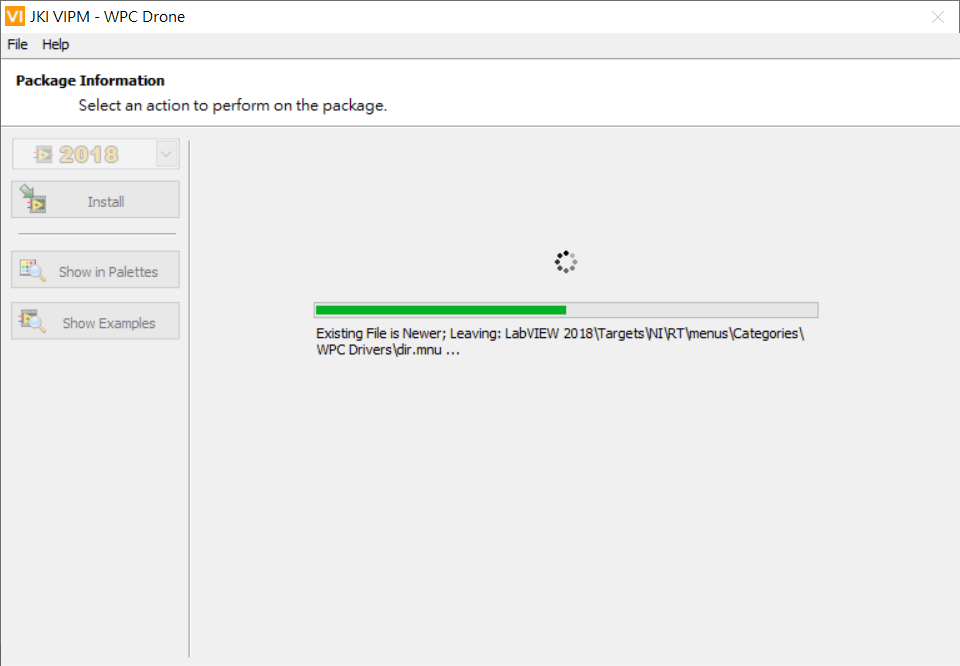
Please wait patiently during the installation and do not close the window until the installation is complete.