Introduction and Installation
Introduction
GECO Driver is a suite of driver packages designed specifically for LabVIEW, providing comprehensive API support for various GECO products. Through this driver, users can easily control and monitor GECO devices within the LabVIEW environment.
Download and Installation
Step 1: Download GECO Driver
Please visit the official WPC website to download the latest version of the GECO Driver.
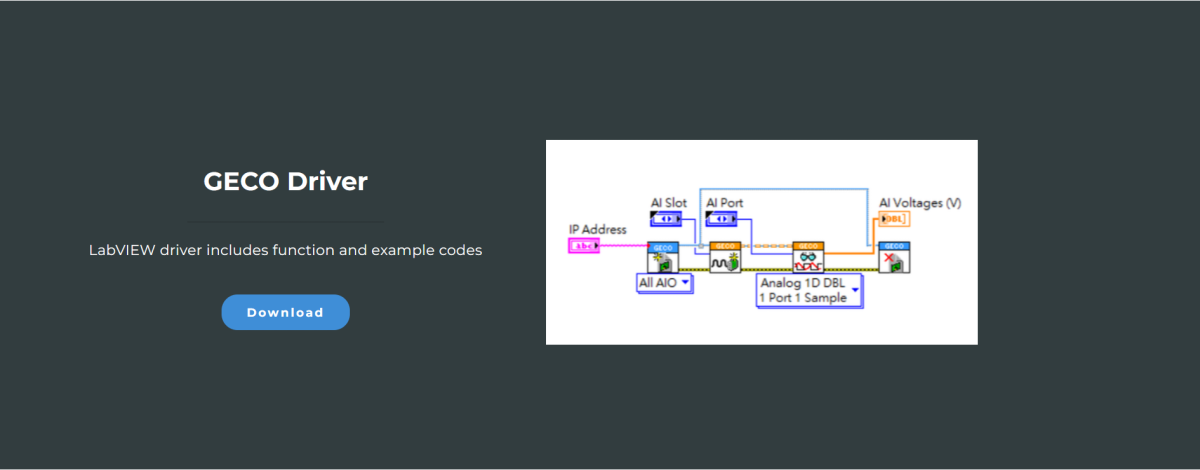
Currently, the GECO Driver supports LabVIEW versions 2015-2019. If you need support for a newer version of LabVIEW, please contact the WPC technical team.
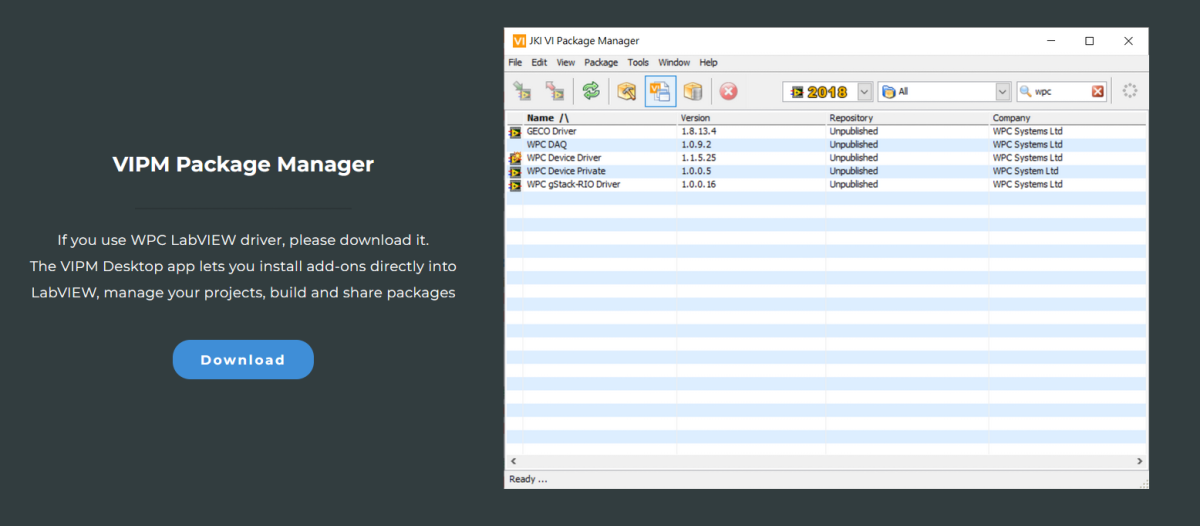
Step 2: Download VIPM Package Manager
Please visit the official WPC website to download the latest version of the VIPM Package Manager.
Decompression and Installation
Step 1: Decompress Files
Please decompress the downloaded geco_driver.zip file.
Step 2: Install Driver via VIPM
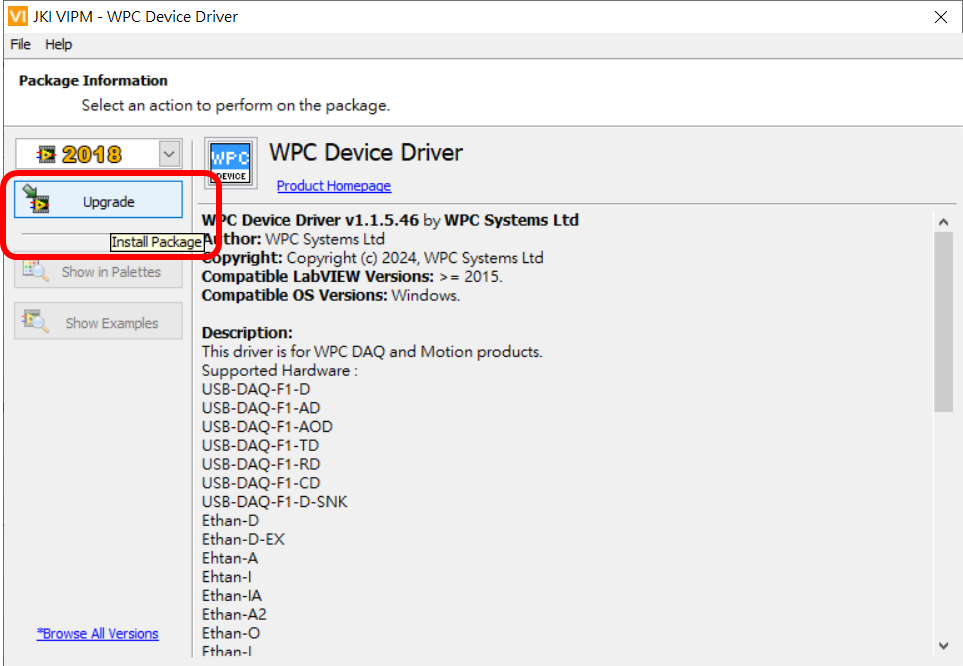
Double-click the decompressed .vip file to open the VIPM installer.

Step 3: Execute Installation
Click "Install" or "Upgrade" to install the latest version of the WPC Device Driver.
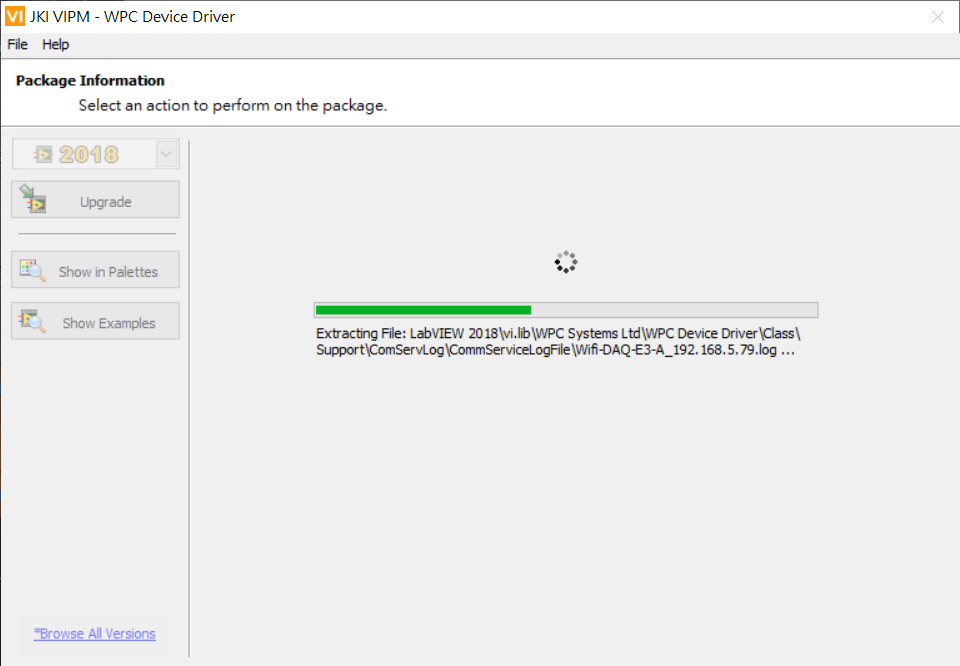
Step 4: Wait for Installation to Complete
Please be patient during the installation process and do not close the window until the installation is complete.