Introduction and Installation
Introduction
gStack-RIO Driver is a suite of driver packages designed specifically for LabVIEW, providing comprehensive API support for gStack-RIO chassis and modules. Through this driver, users can easily control and monitor gStack-RIO devices within the LabVIEW environment.
Download and Installation
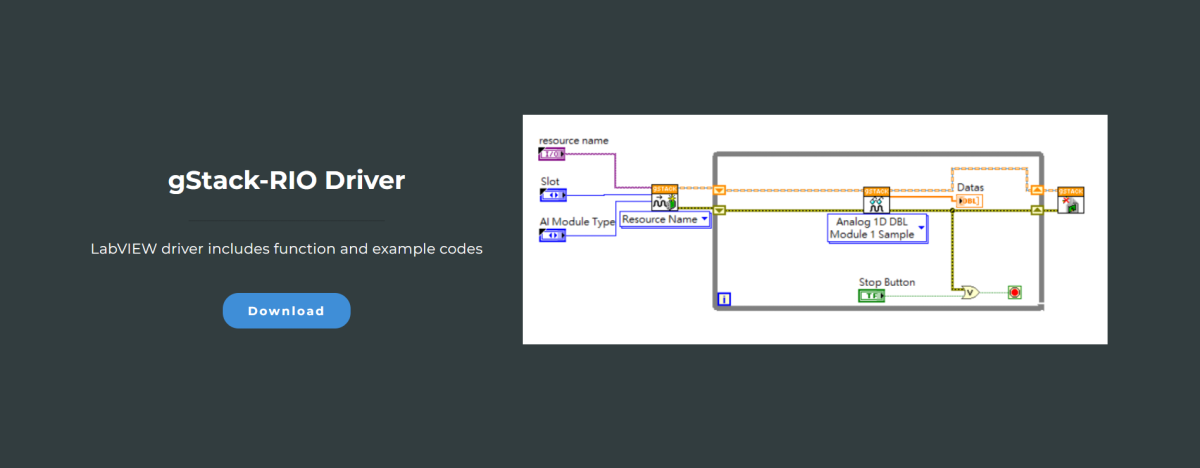
Step 1: Download gStack-RIO Driver
Please visit the official WPC website to download the latest version of the gStack-RIO Driver.
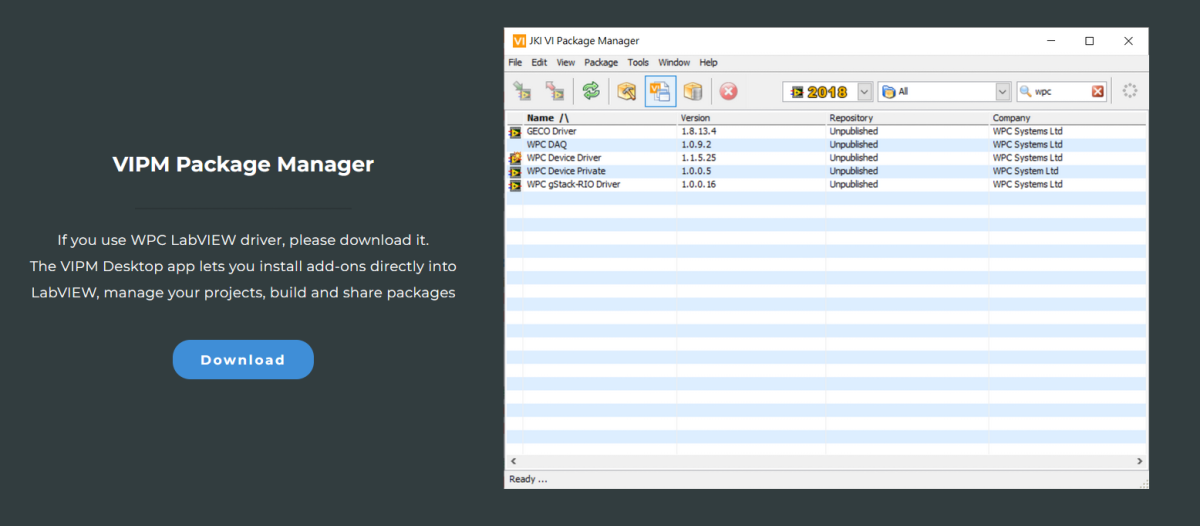
Step 2: Download VIPM Package Manager
Please visit the official WPC website to download the latest version of the VIPM Package Manager.
Decompression and Installation
Step 1: Decompress Files
Please decompress the downloaded gstack_rio_driver.zip file.
Step 2: Install Driver via VIPM
Double-click the decompressed .vip file to open the VIPM installer.

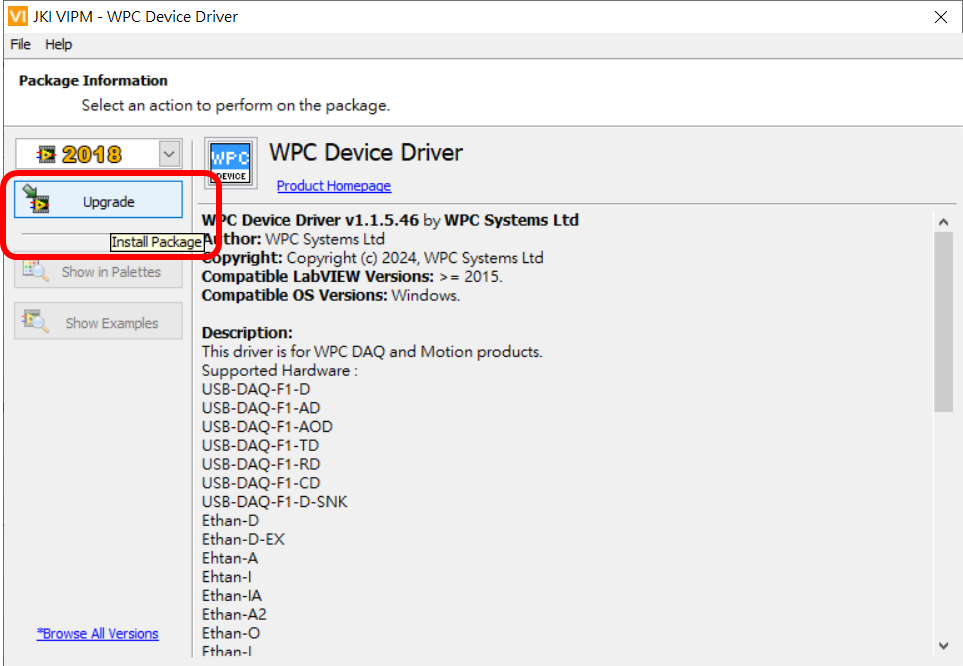
Step 3: Execute Installation
Click "Install" or "Upgrade" to install the latest version of the WPC Device Driver.
Step 4: Wait for Installation to Complete
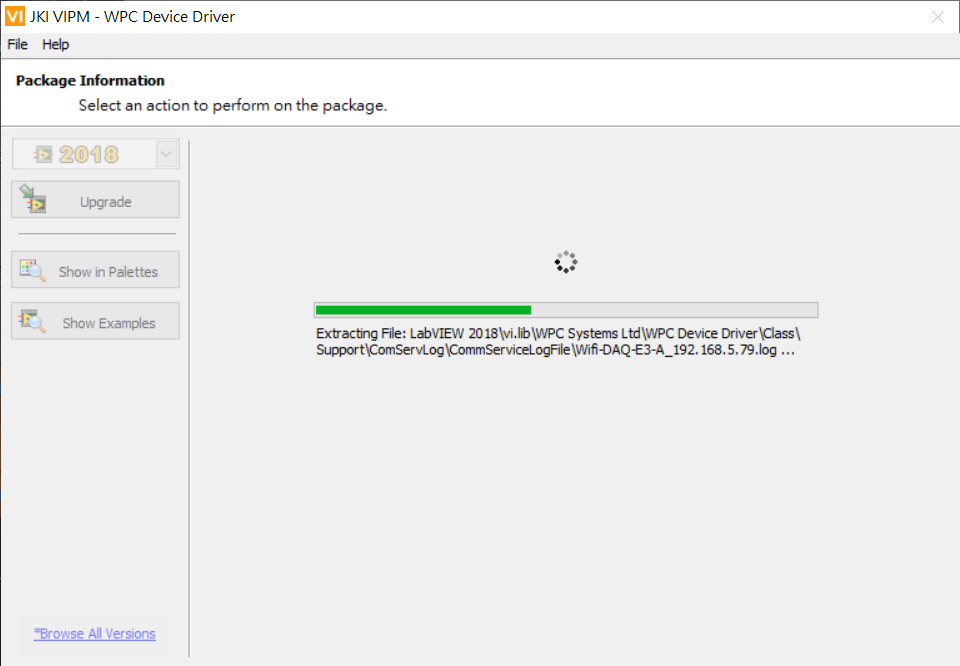
Please be patient during the installation process and do not close the window until the installation is complete.